
Pinterest isn’t just a place for recipes and dream weddings—it’s a dynamic search engine where people discover, plan, and buy. Pair that with Amazon’s vast affiliate program, and you get a powerful combination for earning passive income. Whether you’re new to affiliate marketing or seasoned but want to tap into Pinterest, this guide covers everything you need to start earning Amazon affiliate commissions on Pinterest, while staying compliant with both platforms’ rules.
Understanding Pinterest Affiliate Marketing
Pinterest affiliate marketing is the process of promoting products with affiliate links directly or indirectly on Pinterest. When someone clicks your pin and makes a purchase, you earn a commission.
With Pinterest, users are actively looking for inspiration and solutions, making it an ideal platform to present relevant Amazon products through valuable content—whether as pins linking to blog posts, landing pages, or directly to Amazon (with caveats discussed later).
Why Use Pinterest for Amazon Affiliate Marketing?
- Massive Reach: Pinterest has over 450 million monthly active users, many searching with high purchase intent.
- Evergreen Content: Pins circulate for long periods, driving ongoing traffic.
- Visual Search Engine: Pinterest users respond to eye-catching visuals that introduce and sell products naturally.
- Niche Discovery: Boards allow precise targeting—home décor, gadgets, fashion, DIY, and more.
- Minimal Barrier to Entry: No need for a big following to see results; great pins can go viral organically.
Want a proven roadmap? Claim your free step-by-step affiliate checklist and make sure you never miss an important setup step.
Setting Up for Success: Accounts & Tools
1. Create a Pinterest Business Account
A business account provides analytics, access to ads, and rich pins. Setting up is free and takes a few minutes. Use a keyword-rich profile and consistent branding to look professional.
2. Join the Amazon Associates Program
Sign up at Amazon Associates. You’ll get unique affiliate links to Amazon products to track your sales and commissions.
3. Essential Tools
- Canva or Photoshop: For designing professional, eye-catching pins.
- Tailwind: Automates pin scheduling and analytics.
- Bitly (optional): Shortens and tracks links if you aren’t linking directly.
- Google Analytics: For advanced tracking.
Complying with Amazon Associate Program & Pinterest Policies
Amazon’s and Pinterest’s policies change periodically. Stay updated to protect your account and earnings.
Amazon Guidelines for Pinterest
- No Direct Linking (US): Amazon US currently prohibits affiliate links pinned directly to Pinterest. Links must often first go to your blog/website, then on to Amazon.
- Disclosure Required: Always disclose your affiliate relationship per FTC guidelines. A phrase like “This post contains affiliate links. As an Amazon Associate, I earn from qualifying purchases.” works well.
- No Shortening Amazon Affiliate Links: In most cases, don’t mask or shorten Amazon URLs.
- No Paid Advertising: Don’t use your Amazon affiliate links in paid Pinterest ads.
Pinterest’s Affiliate Policies
- Spam-Free Pins: Avoid spammy practices—repeated images, irrelevant links, or clickbait.
- Clear Descriptions: Pins should accurately describe the product and benefit the user.
Policies update regularly—always double-check Amazon’s Operating Agreement and Pinterest’s terms for the latest requirements for your region.
Finding and Choosing Amazon Products to Promote
1. Stay Relevant to Your Audience
If your Pinterest boards are about kitchen gadgets, promote related Amazon items. Stick to your niche.
2. Prioritize Quality and Demand
Promote products with positive reviews, reasonable commission rates, and proven demand.
3. Target Seasonal and Trending Products
Use Pinterest trends and Amazon’s best-seller lists for inspiration.
Tip: Create a content calendar tied to shopping peaks (holidays, back-to-school, etc.).
Creating High-Converting Pins for Amazon Affiliate Products
1. Eye-Catching Visuals
Design vertical pins (1000x1500px is ideal) with clear, high-quality product images. Use bold text overlays to describe the benefit or problem solved.
2. Compelling Descriptions
- Use keywords naturally (e.g., “best air fryer for small kitchens”).
- Mention the problem the product solves.
- Add a clear call-to-action (e.g., “Shop now,” “See details on Amazon”).
- Include your disclosure.
3. Multiple Pin Variations
Test different styles for the same product. Seasonal and themed variations increase your reach and relevance.
4. Link Strategy
The most reliable method (for US-based Associates) is to create a blog post or simple product review on your website, include your affiliate link, and link your pin to that post.
Example Flow:
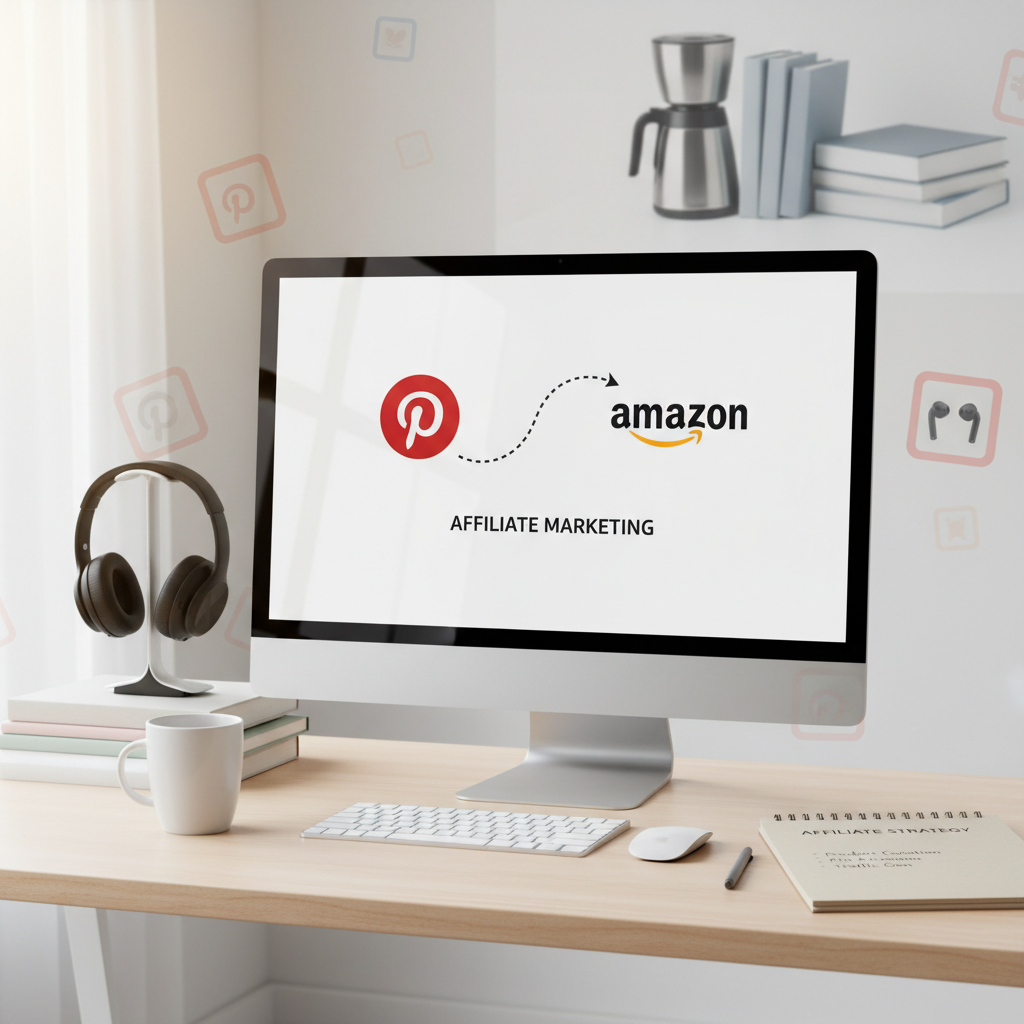
Pinterest Pin → Your Blog Product Review → Amazon Product Page (via your affiliate link)
International Associates may have more direct linking options, but always double-check.
Best Practices for Successful Pinterest Affiliate Marketing
- Create Value-First Content: Offer solutions, comparisons, or lists (e.g., “5 Must-Have Kitchen Gadgets from Amazon”).
- Use Rich Pins: Enable rich pins for product details pulled from your website.
- Optimize for Keywords: Pinterest is a search engine—naturally incorporate keywords into your pin titles and descriptions.
- Regular Pinning: Fresh content signals activity to Pinterest. Use scheduling tools to maintain consistency.
- Engage with Your Audience: Respond to comments, and join related group boards for broader reach.
- Track Performance: Use Pinterest Analytics and Amazon Associates Dashboard to see what’s working.
Common Mistakes and How to Avoid Them
- Direct Linking (When Prohibited): Always review Amazon’s current policies BEFORE posting affiliate links.
- Ignoring Niche Relevance: Don’t pin random products to chase commissions; stick to your audience’s needs.
- Poor Visuals: Blurry, generic, or unattractive pins rarely get clicks.
- Weak or Missing Disclosures: Failing to disclose your affiliate relationship can get you banned.
- Neglecting Analytics: If you’re not analyzing results, you’re missing out on what works.
Measuring and Improving Your Results
- Pinterest Analytics: Assess impressions, clicks, and saves for each pin.
- Amazon Associates Reports: Track which products (and which pins/posts) are generating clicks and sales.
- A/B Testing: Try different imagery, calls-to-action, and posting times.
- Iterate: Drop what doesn’t work, double down on high performers.
Frequently Asked Questions
Q: Can I post Amazon affiliate links directly on Pinterest?
A: As of 2024, Amazon US generally prohibits direct linking. It’s safer to use your website as an intermediary. Non-US Associates should check regional policies.
Q: What types of content work best?
A: Lists, how-tos, product roundups, solution-based posts, and comparison charts tend to perform well.
Q: How many times should I pin per day?
A: Aim for consistency—5 to 10 pins daily (including repinning others’ content) is a healthy starting point.
Q: Do I need a website or blog?
A: While having your own website increases flexibility and compliance, you can sometimes link directly—though there are restrictions which may limit long-term growth.
Conclusion: Next Steps for Your Pinterest Amazon Affiliate Journey
Pinterest and Amazon make a winning team for affiliate marketers who prioritize value. By focusing on beautiful, SEO-friendly pins, staying on top of the latest policies, and tracking your results, you can build a sustainable income stream over time.
Start by:
- Signing up or optimizing your Pinterest business account
- Joining the Amazon Affiliate Program
- Planning your first set of relevant, attractive pins
- Committing to consistent, value-rich posting and measurement
With the right strategy, patience, and constant learning, Pinterest affiliate marketing for Amazon products offers real potential—especially for those willing to create helpful, visually appealing content.